

Fundamental WordPress SEO Elements A Beginner Can Implement
October 25, 2023 | Ishita Karar
Table of Contents
Whether your website aims to sell products, launch a blog, or showcase a portfolio, WordPress SEO is extremely pivotal for driving more traffic to the site. Along with offline marketing, Search Engine Optimization (SEO) is one of the most efficient ways to reach a larger audience. However, most SEO guidelines seem to be too technical to understand for beginners.
Embracing SEO practices for your WordPress website is a cost-effective way to rank higher in SERPs. A higher ranking in the search engine result pages not only helps boost your website traffic but increases your conversion rate as well.
If you are a resident of Dallas, turning to an authentic WordPress development company in Dallaswill be the easiest way to implement the best SEO practices on your website. However, before reaching out to them, you should have basic knowledge about fundamental WordPress SEO elements.
Importance of a SEO-Friendly WordPress Website
Here are the core benefits of making your site optimized for search engines:
- SEO helps increase traffic to your site by ranking higher on SERPs (Search Engine Result Pages).
- The best SEO practices help improve the site’s performance, enhancing user experience.
- Since users mostly trust the sites that appear on the first page of search engines, a higher rank can boost your brand awareness.
- Implementing SEO practices to your website is more economical in comparison to paid advertising.
8 Critical WordPress SEO Practices for Beginners
Let’s acknowledge the best WordPress SEO practices that seasoned professionals of some Dallas SEO company perform to create top-ranked websites.
1. Keyword Research and Blog Post Optimization
Many WordPress website owners often make mistakes, considering WordPress plugins as the only SEO practice. Although, it is also vital to optimize blog posts since it consistently helps you boost organic CTR (Click-through Rate) to your WordPress website.
Sometimes, beginners rely on blind guesses to select and write a topic. However, you should perform keyword research relevant to your business or blog to find out exactly what your customers are looking for.
Companies offering top-notch WordPress development in Dallas use keyword-researching tools, like SEMRush, Google Keyword Planner, Ahref, etc.
The title of your blog post is another important factor in blog post optimization. A simple, attractive title influences users to click on your link. The right keyword in your blog post title also helps your post appear higher in search engine results and helps to engage with your target audience.
2. Properly Used Categories and Tags

Categories
Categorizing your content into separate groups can help you easily manage your content by topics. For example, if you run a food blog, you can implement multiple sections, like “Recipes”, “Cooking Tips”, etc.
Avoid including too many categories, which might confuse the visitors, reducing their interest in your content.
Use clear, descriptive category names, which will give visitors an idea about the concept and content under each category.
Tags
You can use tags to provide more specific information about your site’s content. For example, if you have a “Cooking Tips” category, you can use tags, like “Food Safety”, “Flavor Enhancement”, “Time-saving”, etc.
Incorporate relevant keywords into your tags to help search engine crawlers understand your content.
Avoid excessive tags since too many of them can decrease your site’s SEO value.
3. XML Sitemaps in WordPress
The crawl ability of your website is a vital aspect of technical SEO. Search engines won’t be able to index your site if they fail to crawl it, preventing the site from ranking.
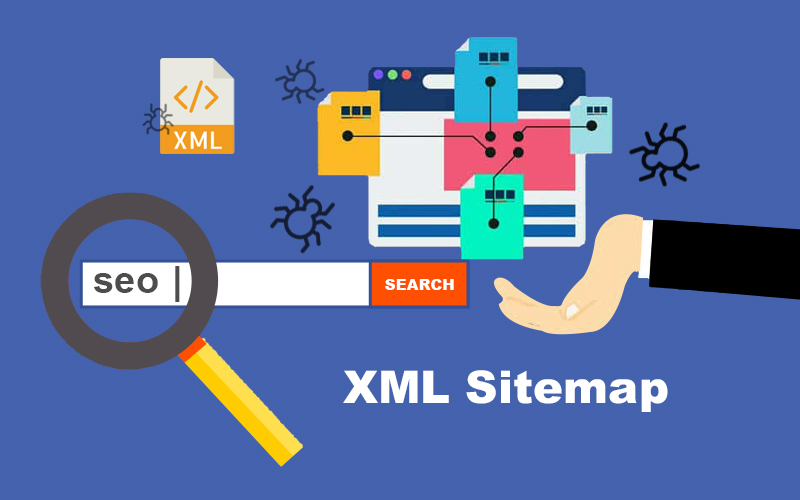
An XML (Extensible Markup Language) sitemap acts as an index of your website’s pages and posts. Search engine crawlers use it to index and add your website to SERPs.
Having a sitemap is important for especially those websites that:
- Are new or do not have enough backlinks
- Have a huge number of pages, like more than 500 pages
- Have many media files, including images and videos
- Have poor internal linking
WordPress automatically generates a basic XML sitemap for a website. However, it has some basic functionalities. This is why many WordPress website owners prefer custom WordPress development to create a sitemap with a plugin.
4. Internal Linking
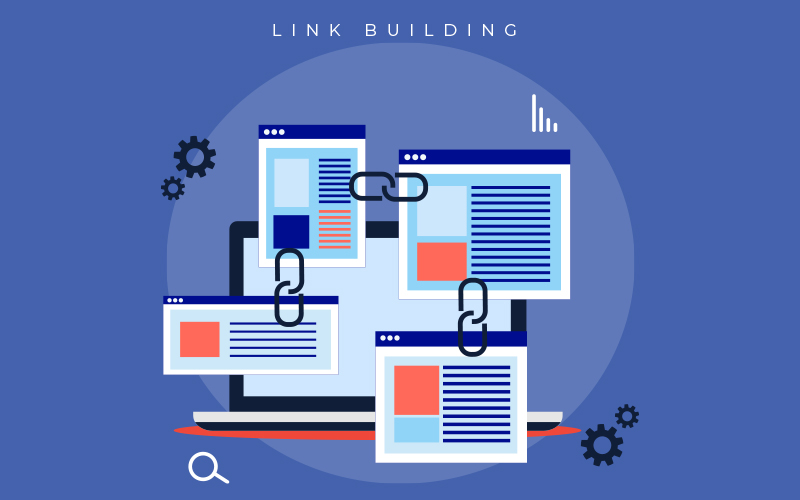
Internal linking reflects the act of connecting your website posts and pages. It helps boost pageviews, reduce bounce rates, improve the overall Domain Authority (DA) of your website, and enhance user experience.
Internal linking helps search engines understand the content of your pages and the connection between them. Also, it informs Google about the most important pages of your site.
Here are some effective internal linking tips to improve your site’s user experience and SEO.
- Try to include at least one relevant internal link to each of your website pages.
- Cut down the number of clicks between your pages. Your most important pages should not exceed more than three clicks.
- Pay attention to interlinking long-form content. It will provide the readers with further information on a specific topic.
- Make sure to use descriptive and relevant anchor texts for your site’s interlinks. It will help search engines understand what your pages are about.
With the help of expert web designers from a WordPress development company in Dallas, you can take your website interlinking game to the next level. For example, you can use images, decorative buttons, and animations to engage your readers as well as uplift your site’s appearance.
5. No-Follow External Links
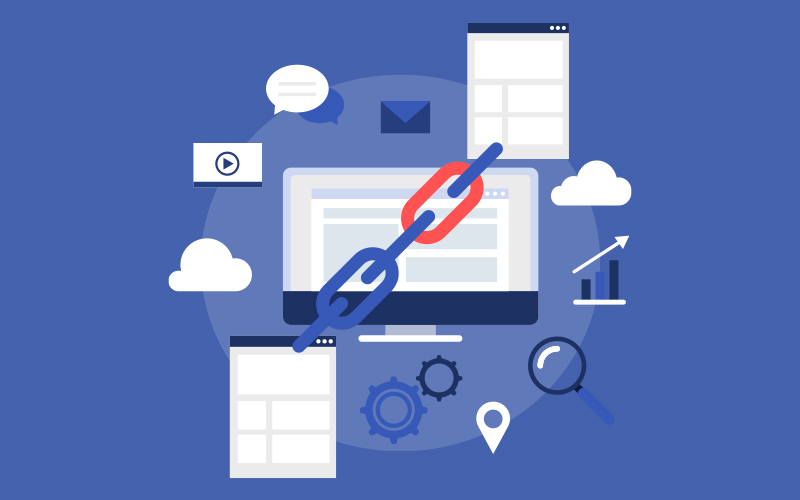
No-follow links are hyperlinks with a ‘nofollow’ HTML tag that informs search engines to ignore those links.
In the SEO world, the term ‘link juice’ refers to the equity or value a site or page receives from another. When you put a link to your page, it passes some of your link juice to that link. Therefore, you need to ensure that your site is receiving more link juice than giving away to others.
By adding no-follow tags to some external links, you can inform search engines not to follow those links. In this way, you can save more link juice for your site.
An ordinary external link looks like: http://trial.com”>Trial Website</a>
A no-follow external link looks like: http://trial.com” rel=”nofollow”>Trial Website</a>
WordPress does not come with a by-default option to make links ‘nofollow’. However, you can add ‘nofollow’ to external links by using plugins. In case you find the task confusing turn to an experienced custom WordPress web design service.
6. Schema Markups and Rich Snippets

You probably have noticed that Google sometimes shows additional data that provides an idea about a site’s content. It appears on search result pages and can include links, images, prices, reviews, or rating stars. These additional data are known as rich snippets.
Schema markup when added to your webpage helps you get rich snippets on search engines, like Google. It is a type of HTML code that informs search engines more about your website content. Also, it helps your website stand out, increasing its chances of getting higher clicks.
7. WordPress Comments Optimization
It’s crucial to create a section for testimonials and reviews since comments play a crucial role in building trust among new visitors and engaging them in your site. Make sure to display positive and genuine comments and not spam.

If your blog posts are getting lots of comments, congrats! You’re following the right path.
However, too many comments on your WordPress website can impact its speed, affecting your search engine ranking. To avoid compromising your site or page speed, consider splitting comments into multiple pages.
To do so, you need to log in to your WordPress admin account and go to the ‘Setting’, and then to the ‘Discussion’ page. There, you can find a box next to the ‘Break comments into pages’ section. Type the number of comments you want to display on each page of your blog.
After saving the changes, when you visit the post with lots of comments, you can see pagination in action.
8. Site’s Speed and Security Optimization
Studies show that 40% of users can leave a site if it takes more than 3 seconds to load.
The stats signifies that you have very little time to retain your customers on your website. A slowly loading website is associated with a higher bounce rate and lower SEO ranking.
A 1-second of delay in page loading can result in a 7% reduction in conversion. In fact, according to Think with Google, every second delay in mobile page load can drop conversion by up to 20%. Therefore, you must have realized the necessity of your site speed optimization for both computer and mobile devices.

One of the most important aspects of WordPress website speed is your WordPress hosting service. Fast WordPress hosting providers like Bluehost, Kinsta, SiteGround or GoDaddy can take extra measures to optimize your website’s performance.
If users receive a warning sign or experience slow page loading, they mostly hesitate to navigate this type of website. Therefore, optimizing your WordPress website’s security is equally essential.
A slow-loading website can be a sign of security risk since hackers can misuse your site as a way to transfer spam emails. SSL (Secure Sockets Layer) is a technology that uses encryption to secure a website. It adds an additional security layer to a WordPress website by encoding the connection between a user’s browser and the server they use.
When a website is secured with SSL, it shows a padlock icon in the browser’s address bar. It assures users that the website is trustworthy.
Designing SEO-friendly WordPress Websites
We all aspire for our websites to appear on the first search result page and garner more clicks. SEO is the best way to communicate to search engines about the quality and content of your website.
We hope the article has helped you learn the fundamentals of WordPress SEO elements. Go ahead and utilize the above-mentioned SEO practices to elevate your website’s ranking on search engines.
In case you need help, our team of web design and marketing professionals is always there at your service.


RELATED POST
Table of Contents What Does AI-Generated Content Mean?Is Google Against AI-Generated Content?Can Google Detect and Penalize AI Content?Artificial Intelligence (AI)...
READ MORE
It’s in our nature to try to draw a line of familiarity with everything we see around us, and we...
READ MORE
Table of Contents The Importance of Incorporating Visual and Voice Search in Your Website Do you want to optimize your...
READ MOREPartners



Copyright © 1999-2026, B3net inc.