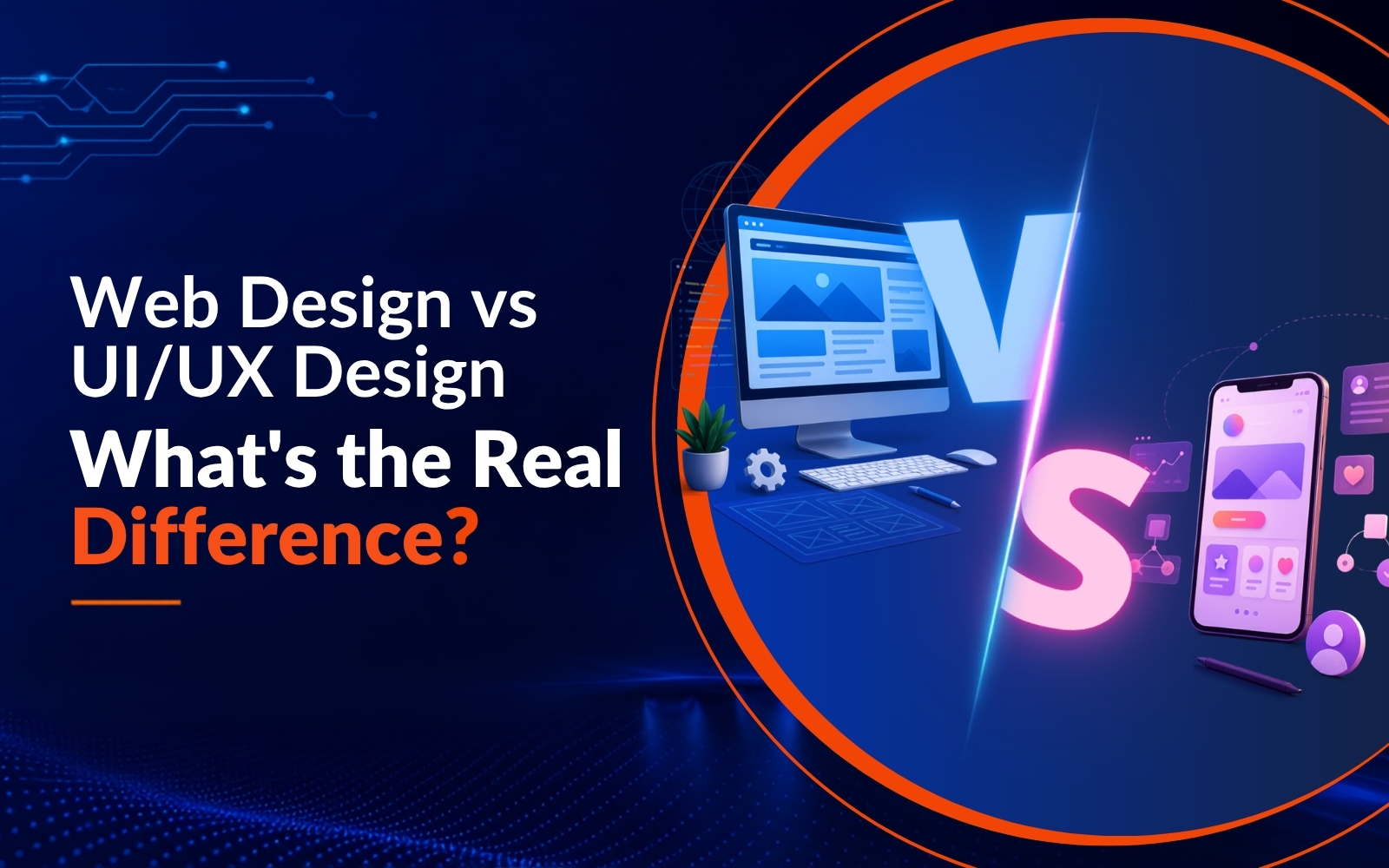
Users often get confused between ‘Web Design,’ ‘UI,’ and ‘UX.’
One of the most common questions we hear from clients is about the difference between web design, UI design, and UX design: ‘Can you build us a UI/UX website?’
It sounds straightforward, but it points to a confusion that is widespread across industries. Web Design, UI, and UX are three distinct disciplines, and mixing them up can lead to misaligned briefs, wrong hires, and products that look fine but fail to perform.
This mix-up happens because all of these shapes the way a digital product should feel and appear. It’s because on the surface, it seems closely connected, while the audience treats them interchangeably.
Early-stage businesses often merge these roles to cut costs and simplify hiring. In our experience working with startups and growing teams, this is a practical short-term decision. However, it can create long-term confusion if the distinctions are never properly understood or communicated within the team. It is also worth knowing that in smaller teams or leaner setups, one person may cover two or even all three areas. What matters is that each layer gets the right level of attention, regardless of who handles it.
This guide breaks down what each role actually covers, how they connect in a real project, and how understanding the difference helps you make better decisions, whether you are hiring, briefing, or building. Because choosing the wrong approach does not just affect the process. It affects how users interact with your product, and whether it converts.
What is Web Design?
Web design covers how your website looks and how it functions on the screen. It brings together layout, structure, typography, and visual elements to create a cohesive experience. A web designer shapes each page, selects fonts and colours, and makes sure every decision aligns with the business it represents.
At its core, web design answers one question: How will this website look and function for the user?
It covers all aspects that you see on the webpage, be it the homepage hero section or the footer. Good web design guides users naturally from one section to the next. When it is working well, nobody notices it, which is exactly the point.
Our web design team typically works in tools like Photoshop, Figma, or Adobe XD. These are the industry standard across agencies and independent designers alike, used to build, test, and refine layouts before a single line of code is written. On many projects, the work also involves writing basic HTML and CSS, in close collaboration with developers to make sure the design translates accurately to the browser.
When you have a strong web design, it will surely balance aesthetics and usability.
Key Responsibilities of Web Design:
- Page layout creation
- Responsive design
- Visual hierarchy
- Branding consistency
Basically, web design is the core of a website’s visual identity while ensuring it remains fully functional.
What is UI Design?
UI, or User Interface, focuses on the way a digital product appears and responds to users. It is every detail that you see on the screen, like buttons, colors, spacing, icons, and typography. Web design sets the structure while UI design refines how every element appears and behaves.
A UI designer makes interfaces visually engaging with the goal of making every interaction feel natural. The difference between a frustrating product and a smooth one often comes down to decisions as specific as button placement, spacing, or the colour of a disabled state. When users tap a button, scroll through a page, or hover over a link, UI design controls that experience. A good design removes the unwanted friction.
Design tools like Sketch and Figma aid designers in creating these detailed interface elements and testing how they behave across screens.
Key Responsibilities of UI Design:
- Button styles and placements
- Typography choices
- Interactive states
- Color systems
In simple terms, UI design adds personality and polish to a product, turning a basic layout into something users enjoy interacting with.
What is UX Design?
UX, or User Experience design, focuses on the way a user feels when interacting with a product. It goes beyond visuals and looks at the complete journey, right from the first click to the final. A UX designer studies behavior, understands pain points, and creates a logical flow. The goal is to make the product useful and satisfying to use.
Instead of asking ‘How does this look?’, UX designers ask ‘Does this actually work for the user?’ That shift in perspective changes how decisions get made at every stage of a project. UX designers depend on research and testing, observing how users interact, gathering feedback, and refining the experience based on insight.
Key Responsibilities of UX Design:
- User research and personas
- Wireframing and prototyping
- Usability testing
- Information architecture
In simple terms, UX design ensures everything works smoothly beneath the surface. When it is done well, the journey feels effortless because every decision was made with the user in mind.
Web Design vs UI vs UX: Key Differences
These roles may look similar at a glance, but each one addresses a different layer of the same product.
How Does Each Element Work Together in Real Projects?
Web design, UI, and UX are interdependent, so when these roles align, the end product feels complete.
Each role handles a different layer of the same experience.
A simple way to think about the relationship: UX is the blueprint, UI is the interior design, and web design is the structure that holds the building together. Each layer depends on the one beneath it.
UX kicks off the process by understanding users and defining the flow. UI builds on that foundation to shape how the interface looks and behaves. Web design brings everything together into a structured, functional website.
Example:
When building an e-commerce website,
- A UX expert studies how users shop online. These designers decide the way products should appear, how filters should work, and how the checkout process should feel simple.
- A UI designer designs the product cards, like “Add to Cart,” and creates an appealing interface.
- A web designer structures the homepage, product pages, and more, so everything aligns and works smoothly across devices.
Consider an e-commerce store where the product pages look great, and the UI is well-crafted, but users are abandoning at checkout. The visual layer is not the problem. The UX is. A closer look at the flow often reveals an extra step, unclear labels, or a trust signal missing at the wrong moment. Fixing that requires a different kind of thinking than what built the page in the first place.
Need a structured, functional website built? That falls to a web designer.
Want the interface to feel more polished and engaging? Bring in a UI designer.
Seeing drop-offs or hearing that something feels confusing to users? That is a UX problem.
In practice, most strong digital products need all three at different points in the process.
How We Approach It at B3NET
When we built our first websites in the late 1990s, the conversation was simple. A website was a page. Sometimes a few pages. Layout was done with HTML tables, Photoshop was the design tool of choice, and the goal was to exist online. That was genuinely enough at the time.
By the mid-2000s, CSS made layouts cleaner, broadband made pages richer, and Flash made designers briefly feel invincible. Websites started trying to be experiences rather than brochures. But thinking about the user journey was still not standard practice. You designed what looked good and assumed users would figure it out.
Then the smartphone arrived and broke every assumption the industry had built. Buttons designed for mouse cursors became impossible to tap. Navigation that worked on a wide desktop screen collapsed on a small display. For the first time, how a person physically interacted with an interface could not be ignored. That is when UI and UX stopped being optional and became central to how digital products were built.
We have been through every one of those shifts. From hand-coding HTML in Notepad to prototyping in Figma. From designing for a single screen size to building for hundreds simultaneously. What that journey taught us is that the tools change constantly but the challenge never does. You are always trying to build something that works for the person on the other end of the screen.
That is why we start with UX before a single layout is sketched, move into UI once the experience is defined, and bring it all together through web design that holds up across every device and browser. Not as three separate handoffs, but as one connected process where each layer informs the next.
Concluding Note: Understanding the Bigger Picture
All three may seem similar on the surface, but each one solves a different problem. Together, they do not just add up, they multiply. The real impact comes when they work in sync from the very first decision.
Over 25 years of working on digital projects across industries, we at b3net have seen what happens when these roles are clearly defined and what happens when they are not. A website that looks polished but loses users at checkout. An app that feels beautiful but confuses someone on their first visit. A product that functions correctly but never quite holds attention. In almost every case, one of these three layers was treated as secondary.
We have also seen the other side. When Web Design, UI, and UX are aligned from the start, the difference shows at every level of the product. Not just in how it looks, but in how it performs, how users respond to it, and how much less time gets spent fixing problems that could have been avoided with the right approach from day one.
Understanding what each role covers is not just useful knowledge. It changes how you brief a project, how you evaluate the work you receive, and ultimately how well your product serves the people using it.
If you are at a stage where these decisions matter for your next project, we are happy to help you think it through. Reach out to us for a free consultation.