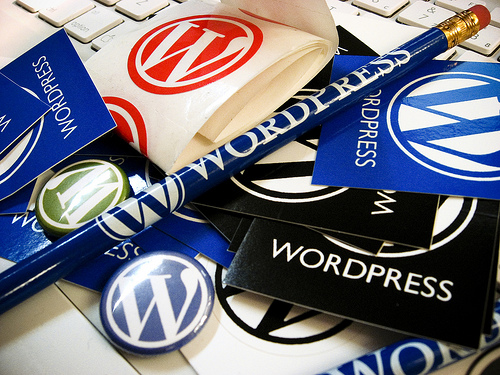
In the short span of 10 years after its launch in May 2003, WordPress has become a titan of epic proportions in the web world. The staggering figure of WordPress getting used by 18% of all the websites in the world amounts to something around 65,000,000 websites. And this data does not come as a surprise. After all, we create new blogs every day, and WordPress is the best, easiest and simplest option available.
However, unknown to most of us, the codebase running WordPress also gets updated multiple times every day with bug fixes, feature enhancements and performance tweaks. Although we cannot see most of these changes as the appearance of the dashboard remains unchanged, there is one brand-new improvement in WordPress which is sure to get noticed.
The improvement is a revamped dashboard which features better contrast, and the Open Sans typeface which is designed to offer a more comfortable reading experience.
The Major Changes:
The first major change is the flat design. But this flat design in WordPress is not how we know it. You will find the use of drop shadows and pseudo-drop shadows – something which we don’t find in regular flat design. This flat design is a step towards the future – in short, it’s a “grown up” version. Next in line is the color change. The dull grey color all over the dashboard is no longer present. Newer colors are brought in to make things more exciting as well as to create a greater degree of hierarchy.
Along with the use of a new default typeface Open Sans which has been made available via Google Fonts, the dashboard also features completely redrawn icons, increased level of contrast, and opened up spacing.
The Responsive Goodness:
Developers are working hard to make the dashboard responsive as soon as possible, so that we can easily view and work in WordPress from our mobile devices. It has been reassured that it will be available within a couple of months. However, this won’t stop you from knowing how the dashboard is going to look on your mobile device. In order to enable it, go to ‘Users’ and then to Personal Settings’. You’ll find an option – Enable experimental responsive design(MP6). Click on the checkbox beside in order to activate it.
Conclusion:
This new spin in the layout of the dashboard is surely going to make things even more enjoyable. It is, undoubtedly, a fantastic revision without losing even an inch of familiarity.